1. Getting the Project
The project is hosted on GitHub:
https://github.com/rkwyu/gofile-dl
You have two ways to obtain it.
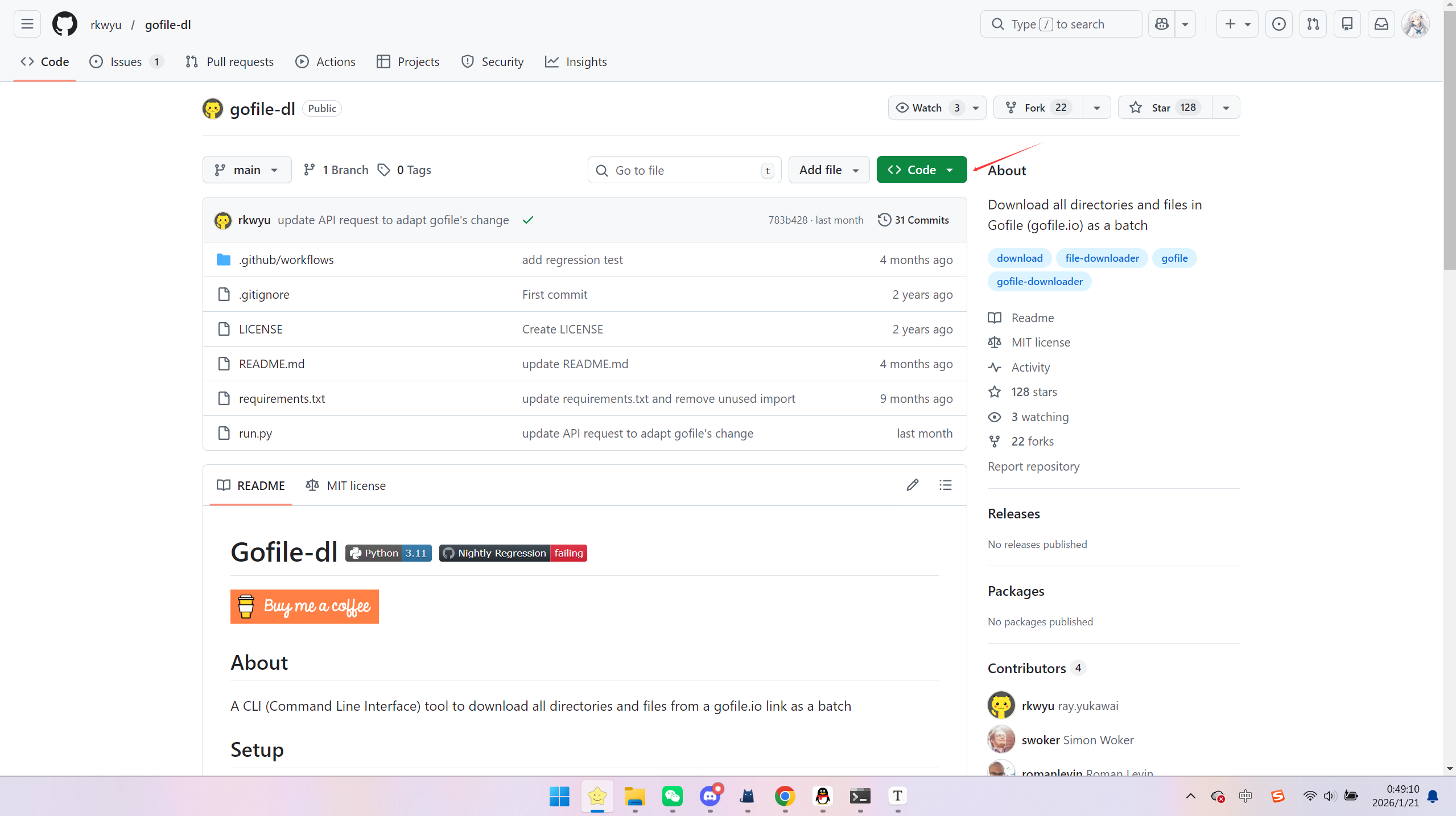
Method 1 — Download ZIP (Recommended)
- Open the repository page
- Click Code
- Select Download ZIP
- Extract it to any folder
Method 2 — Clone via Git
If Git is installed:
git clone https://github.com/rkwyu/gofile-dl2. Install Dependencies
Open the project folder.
Click the address bar, type:
cmdPress Enter.
Then install dependencies:
python -m pip install -r requirements.txtWait until installation finishes.
If Python is not recognized:
python --versionReinstall Python and enable:
Add Python to PATH
3. Run the Downloader
Execute:
python run.py -i "output_filename.zip" https://gofile.io/d/your_link_idExample:
python run.py -i "example.zip" https://gofile.io/d/abcd1234Downloaded files will appear in:
outputs/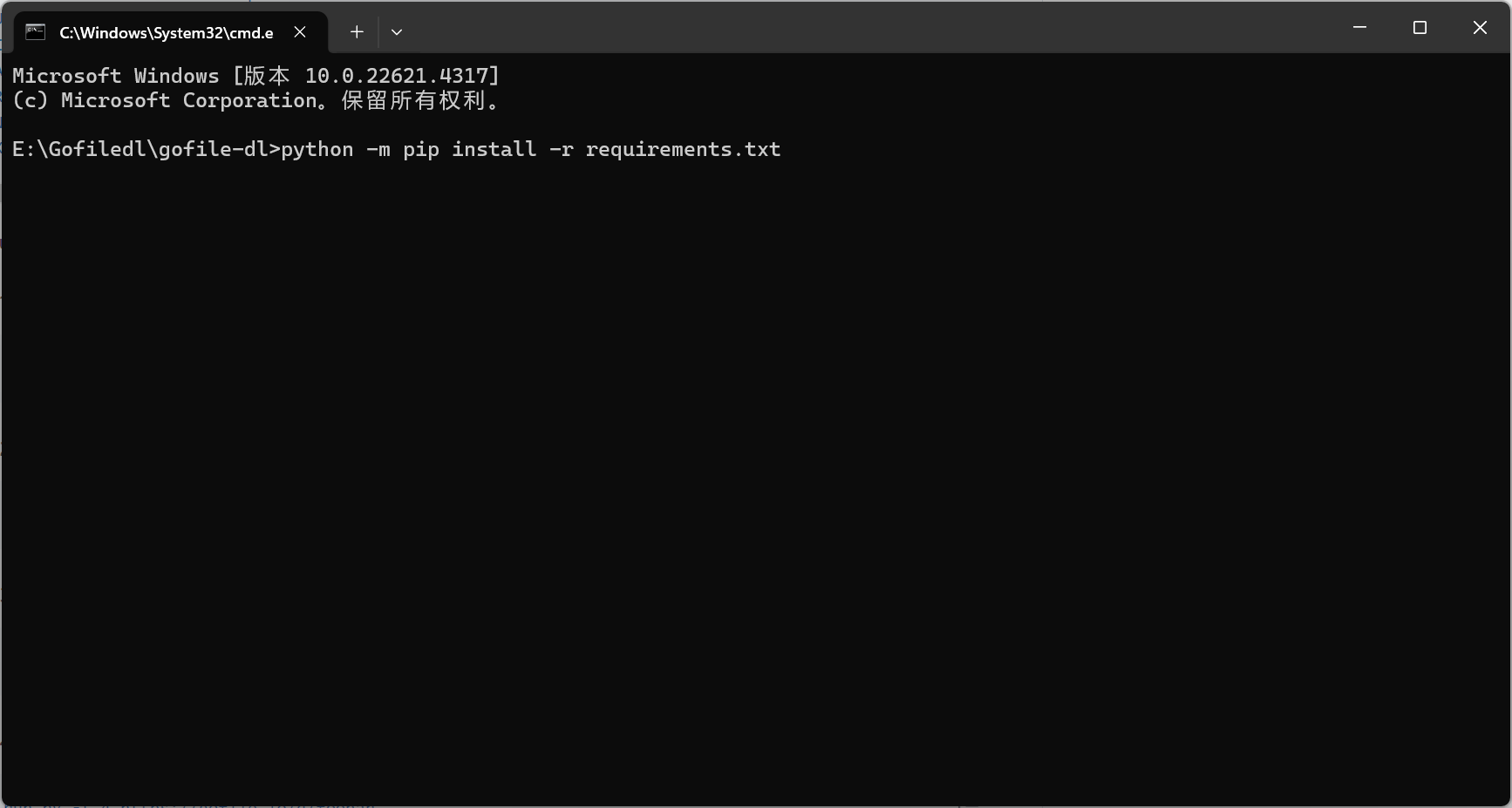
4. Common Issues
Python Not Found
Reinstall Python and configure PATH properly.
pip Installation Errors
python -m pip install --upgrade pipWorkflow Summary
- Get repository
- Install dependencies
- Run download command
That’s all.
Notes
- This tool is intended for downloading publicly accessible files.
- Ensure you comply with applicable laws and platform terms of service.